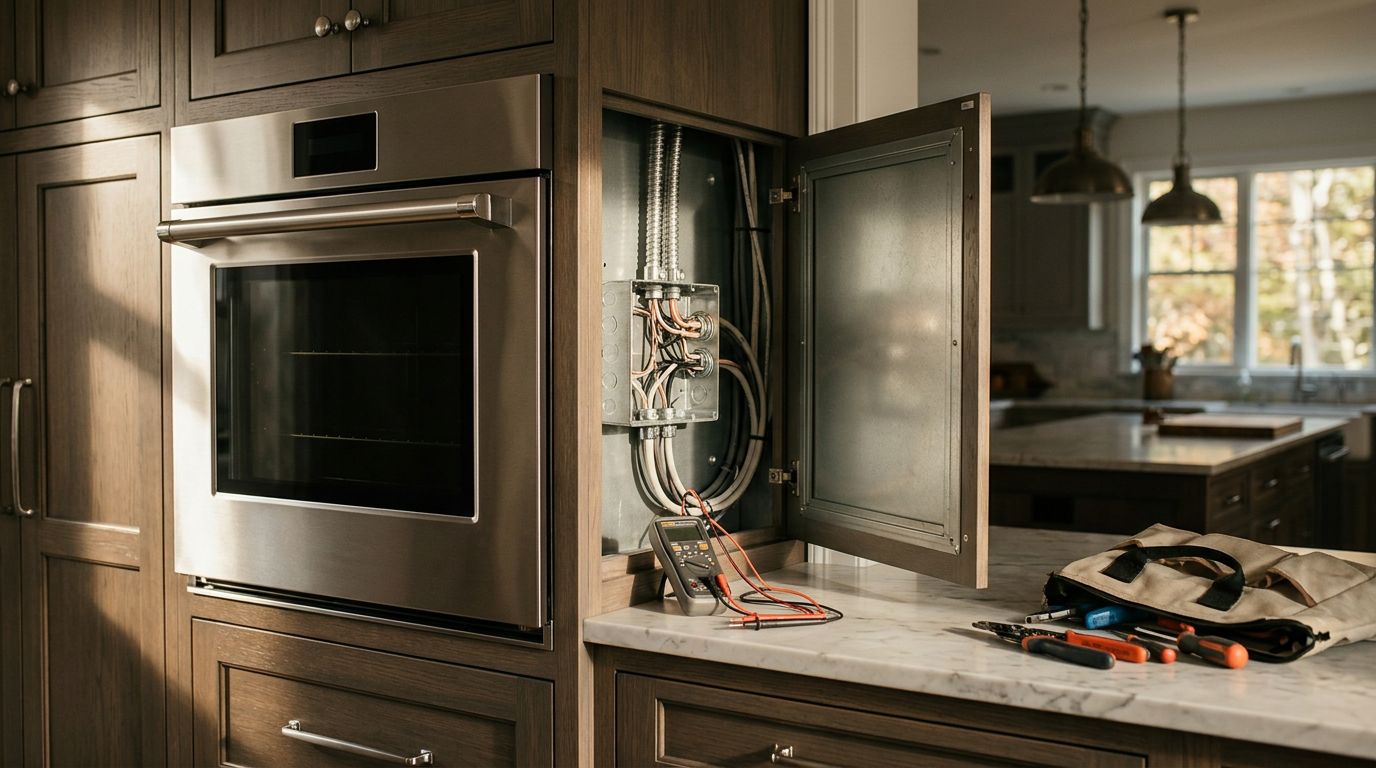

How to Plan Electrical Power for a Commercial Server Room

Contact Us

Server room power planning starts with the equipment you need to run, the cooling it requires, and the amount of downtime your business can tolerate. Those answers determine the circuits, backup power, and electrical capacity your room needs.
A spare breaker or an available outlet doesn't tell you whether the building can support a server room. Start with a complete load inventory , then work with your electrician and IT team to turn it into a practical design.
List Everything the Server Room Needs to Power
A server room usually supports more than servers. Network switches, storage equipment, security systems, and cooling all draw power, and some may need to stay on during an outage.
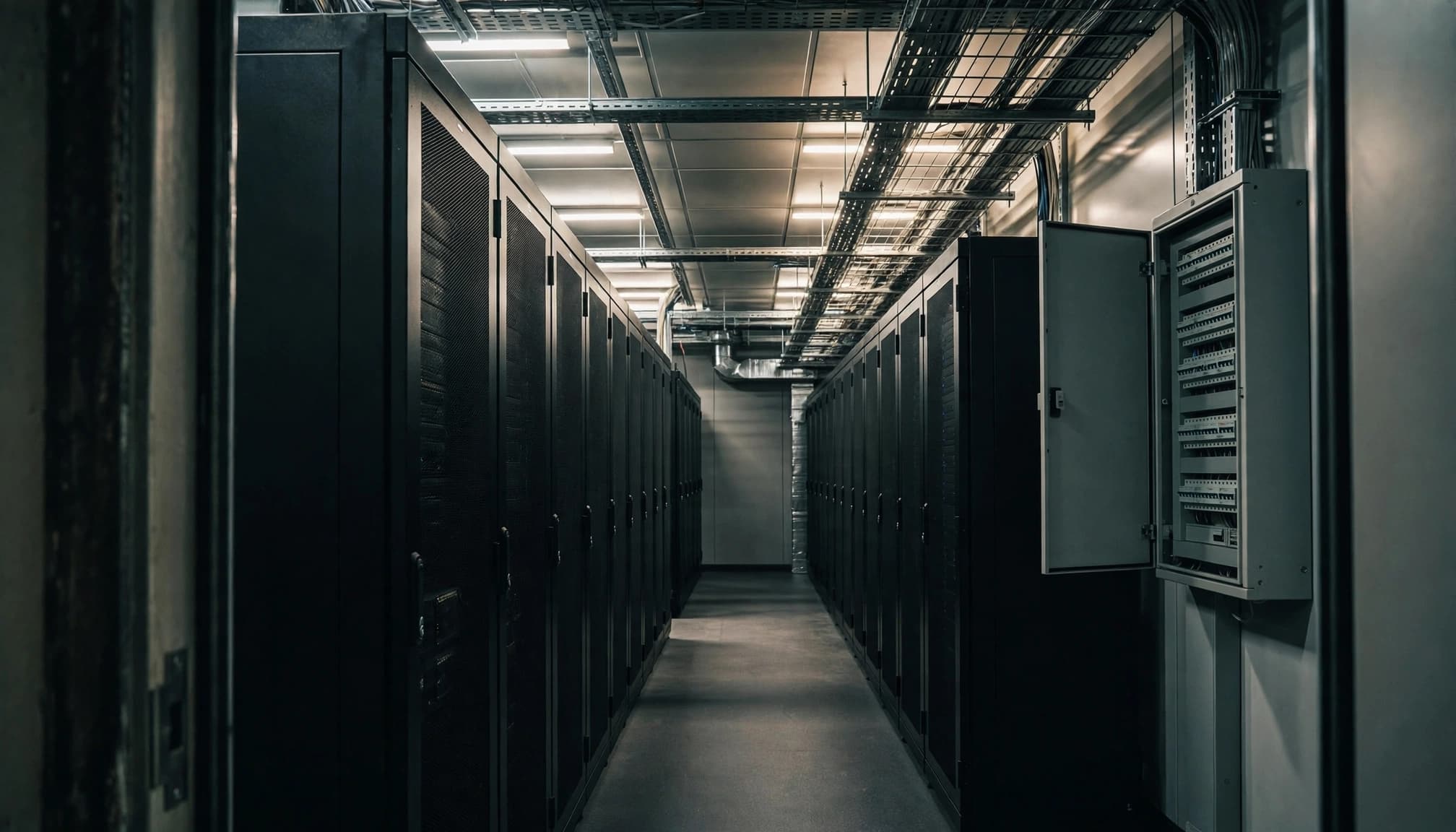
Document the IT equipment
List each server, storage device, switch, firewall, and other powered item. Include equipment that supports cameras, access control, phones, or other systems if it's housed in the room.
For each item, collect the manufacturer, model, voltage, power rating, plug type, and number of power supplies. Note which devices must remain online for employees or customers to keep working.
If the IT team expects to add equipment, record the planned additions alongside the initial installation. That gives the electrician a basis for discussing capacity without treating an unspecified growth percentage as a rule.
Include cooling and support equipment
Add the room's air-conditioning equipment, fans, controls, and any other mechanical loads. Depending on the installation, cooling components may be located outside the server room, but they still affect the electrical plan.
Also include uninterruptible power supplies, or UPS units, and their losses. Batteries need power to recharge after an outage, so the design must account for that operating condition as well as normal use.
Calculate Demand Without Counting Loads Twice
Equipment ratings are a starting point, but a nameplate total alone doesn't always describe actual demand. The electrical design needs to account for how equipment operates and which loads can run at the same time.
Separate connected load from operating demand
The connected load is the total rating of the equipment on the system. Operating demand is the power the equipment draws under the conditions being considered.
A dual-power-supply server, for example, may have two power connections for redundancy. The design must account for the server's full load on either power path if one fails, without assuming the server normally consumes twice its operating demand.
Measured usage can help when you're moving existing equipment. For new equipment, manufacturer data and the planned workload give the design team a basis for the calculation.
Account for heat and electrical losses
IT equipment turns most of its electrical input into heat inside the room. As a planning conversion, 1 kilowatt of electrical load produces about 3,412 British thermal units per hour of heat.
That figure helps the mechanical designer estimate cooling needs, but it isn't the entire cooling load. UPS losses and other equipment also produce heat where they're installed. The cooling equipment itself adds electrical demand to the building, so the IT and mechanical calculations need to work together.
Review the Building's Available Capacity
Before choosing circuits or buying a UPS, have the existing electrical system assessed. An electrical contractor can review the service, voltage, phase, panels, feeders, and existing loads to identify what the room can use.
An empty breaker space doesn't guarantee spare electrical capacity. A panel may have room for another breaker while its feeder or the building service is already committed to other loads. The available fault current and the condition and ratings of existing equipment also matter when new distribution equipment is selected.
In a leased building, the electrical plan needs to account for the landlord's rules on panel access, metering, equipment locations, and shutdowns. A service upgrade may also involve the utility, new equipment, and a planned interruption to the building.
Our commercial electrical services in Greater Boston include installations and system upgrades that can support this planning work.
Design Circuits for the Equipment and Its Failure Modes
A circuit plan should identify what each rack receives, where the power comes from, and what happens if a component fails. The electrician can then select equipment and wiring for the actual loads and the applicable code.

Match circuits and rack connections
Rack power distribution units, often called PDUs, deliver power to individual devices. Their voltage, plug, outlet configuration, and capacity must match both the supply circuit and the equipment in the rack.
The plan should identify each circuit and the equipment it supports. Keep general-purpose receptacles for cleaning or service work separate from the circuits intended for critical IT equipment. That reduces the chance that an unrelated device interrupts a rack.
The electrician should also consider how loads are distributed across phases where the building has three-phase service.
Plan for redundant power supplies
Equipment with two power supplies can connect to separate A and B power paths. If one path fails, the remaining path must be able to carry the equipment's full supported load.
Two cords alone don't create independent power. If both paths connect to the same upstream panel or UPS, a failure there can still affect both. Map each path back through its distribution equipment so the business understands which failures the design can and can't withstand.
Choose UPS Capacity Around Runtime and Availability
A UPS can bridge a short power interruption and protect connected equipment from certain power disturbances. It can also give IT staff time to shut systems down safely or wait for a standby generator to start.
Start with the equipment that needs UPS protection. Include network switches and storage equipment if servers depend on them. A server that stays powered while its network or storage connection goes down may still leave the business unable to operate.
Select UPS capacity for the supported load and operating conditions, including any failure scenario the design is intended to cover. The required battery runtime depends on the business's response plan, battery condition, and the load connected to the UPS.
UPS runtime and usable server runtime aren't necessarily the same. Servers can overheat during an outage if cooling stops before the batteries run out.
The ASHRAE handbook's data center guidance discusses the importance of cooling continuity during backup operation. For a small room, that may mean arranging a controlled shutdown rather than expecting servers to run throughout a long outage.
Coordinate Generator Power With Cooling
A generator is an option when the business needs operation beyond the UPS battery period. It isn't automatically necessary for every server room.
Decide which loads need generator support and how long the business needs them to run. The list may include the UPS, network equipment, cooling equipment, and controls. Other building systems may have different backup or life-safety requirements and should follow their approved designs.
Generator sizing must account for more than the normal server load. Cooling equipment can have motor-starting demands, and UPS batteries may recharge after power returns. The generator and transfer equipment need to work with those conditions.
A properly designed transfer arrangement also prevents generator power from feeding back into utility lines. An automatic transfer switch can move the selected loads to generator power when utility power fails, provided the equipment and controls are designed for that operation.
Coordinate the sequence with the IT and mechanical teams. The plan should describe what starts, what waits, and how the room is cooled while the generator is carrying the load.
Reserve Space for Electrical and Network Equipment
A workable floor plan leaves room for more than racks. It also needs accessible electrical equipment, cooling, cable pathways, and space for maintenance.
Keep required panels and disconnects accessible after the room fills with equipment. A disconnect hidden behind a rack or blocked by stored supplies can delay service and create an inspection issue. Show the equipment locations and required working space on the drawings before the layout is finalized.
Coordinate power pathways with data cabling, mechanical equipment, sprinklers, and fire-rated walls. The network cabling checklist for business renovations covers rack space and pathway decisions that belong in the same planning conversation.
Grounding and bonding also need to be part of the electrical design. The right arrangement depends on the building and equipment, so it should be documented on the project drawings rather than improvised during installation.
Plan Permits, Testing, and Maintenance
In Massachusetts, electrical work must follow the applicable state electrical code and local permit process. The Massachusetts Electrical Code, 527 CMR 12.00, is based on the 2026 National Electrical Code with state amendments. The state lists April 24, 2026, as its effective date for installations covered by permits granted after that date.
The project team should identify permit responsibilities and schedule inspections before the room goes into service. Changes to equipment or cooling after the drawings are complete can affect the electrical plan.
Before putting production systems in the room, coordinate testing among the electrician, IT team, and mechanical contractor. A planned test can establish whether the UPS carries its intended load, whether transfer equipment operates as designed, and whether cooling continues or the shutdown sequence starts as intended.
Keep the final panel schedules, equipment manuals, one-line diagram, and test records available to the people who operate the room. Record equipment additions so future changes don't exceed the capacity assigned to a circuit or UPS.
A commercial electrical maintenance checklist can help organize ongoing inspections and follow-up work.
Build the Power Plan Around Your Business
A dependable server room power plan accounts for the full room, including cooling and backup equipment. It also identifies which systems must stay online and how they'll respond when normal power fails.
Start with the equipment list and an assessment of the building's capacity. With those details, your electrician and IT team can design circuits and backup power around your actual operating needs .