

Why Motion Sensor Lights Stay On in Greater Boston Homes

Contact Us
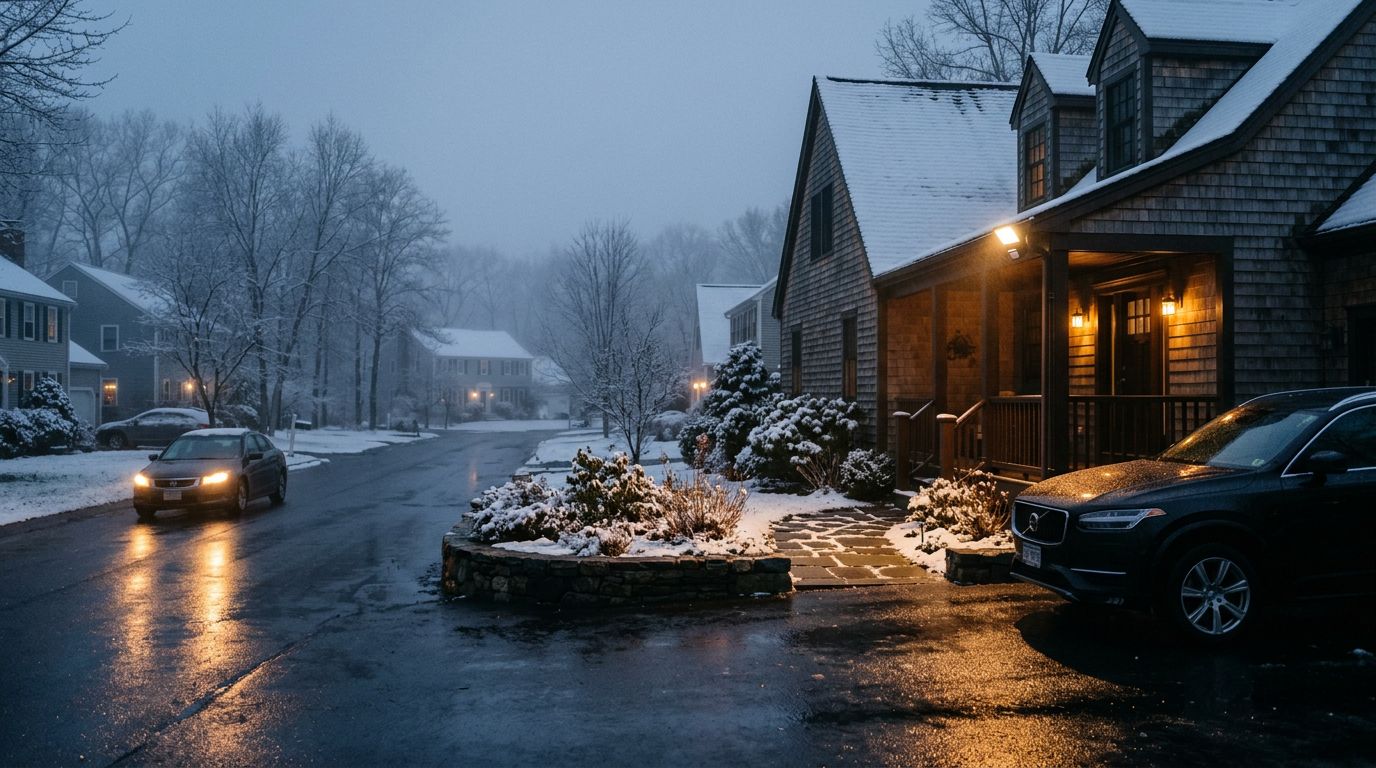
When motion sensor lights stay on, the fix is often closer than you think. In Greater Boston, long winter nights, wet weather, and older outdoor wiring can all make the problem worse.
Sometimes the issue is a setting that got bumped. Other times, the sensor, photocell, or wiring needs real attention. The trick is telling a simple nuisance from a problem that points to the circuit itself.
Key Takeaways
- Settings come first. Timer length, sensitivity, and manual override modes can keep a light on longer than expected.
- Weather matters in Greater Boston. Snow, ice, humidity, and early darkness can change how an outdoor sensor behaves.
- Dirty or poorly placed sensors cause false triggers. Cobwebs, salt film, branches, and porch glare can all confuse the fixture.
- Electrical warning signs need a pro. Breaker trips, buzzing, corrosion, or repeated failures point past a simple adjustment.
Common Reasons Motion Sensor Lights Stay On
The most common reason a motion light keeps burning is simple: the fixture is doing exactly what it was told to do. Many outdoor lights have a delay setting, so the lamp stays on for one, five, or even more minutes after movement stops. If that dial gets turned up by mistake, the light can seem stuck.
A second issue is the manual override . Some fixtures switch into an always-on mode after a fast flip of the wall switch. Homeowners often do this by accident after a power outage or while testing the light. The light looks broken, but the setting is the real culprit.
Another common cause is a sensor that keeps getting false signals. A motion detector can react to a swaying branch, a passing car, or even heat from a dryer vent. If the sensor sits too low, too high, or too close to a reflective surface, it may keep resetting the timer all night.
Then there's the photocell , which tells the light whether it's dark enough to run. If dirt, paint, trim, or a decorative cover blocks that eye, the fixture can behave strangely. Cobwebs, dead bugs, and grime can do the same thing.
Older fixtures can also fail inside the housing. A stuck relay or worn control board may keep the light energized after the motion has stopped. When that happens, the problem isn't the yard or the weather, it's the fixture itself.
Greater Boston Weather Can Make It Worse
Boston-area weather puts outdoor lighting through a lot. Snow and ice can cover the sensor, and wet slush can leave film on the lens. Even a thin layer of frost can distort how the fixture reads movement.
Humidity is another problem. In summer, damp air can collect inside older housings. That moisture can fog the lens, corrode contacts, or make the sensor behave erratically. Near the coast, salt in the air can speed up that wear.
Winter darkness changes the way homeowners notice the issue. A light that seems fine in June may run far more often in January because it's dark longer. That doesn't create the fault, but it makes the fault harder to ignore. A slow timer or sticky relay feels more obvious when the light is on during long evening stretches.
Wind, freeze-thaw cycles, and heavy snow can also shift the fixture itself. If the mount loosens a little, the sensor angle changes. A small shift can turn a reliable fixture into one that keeps "seeing" movement where there is none.
If the problem shows up after a storm, check for moisture and ice before replacing parts.
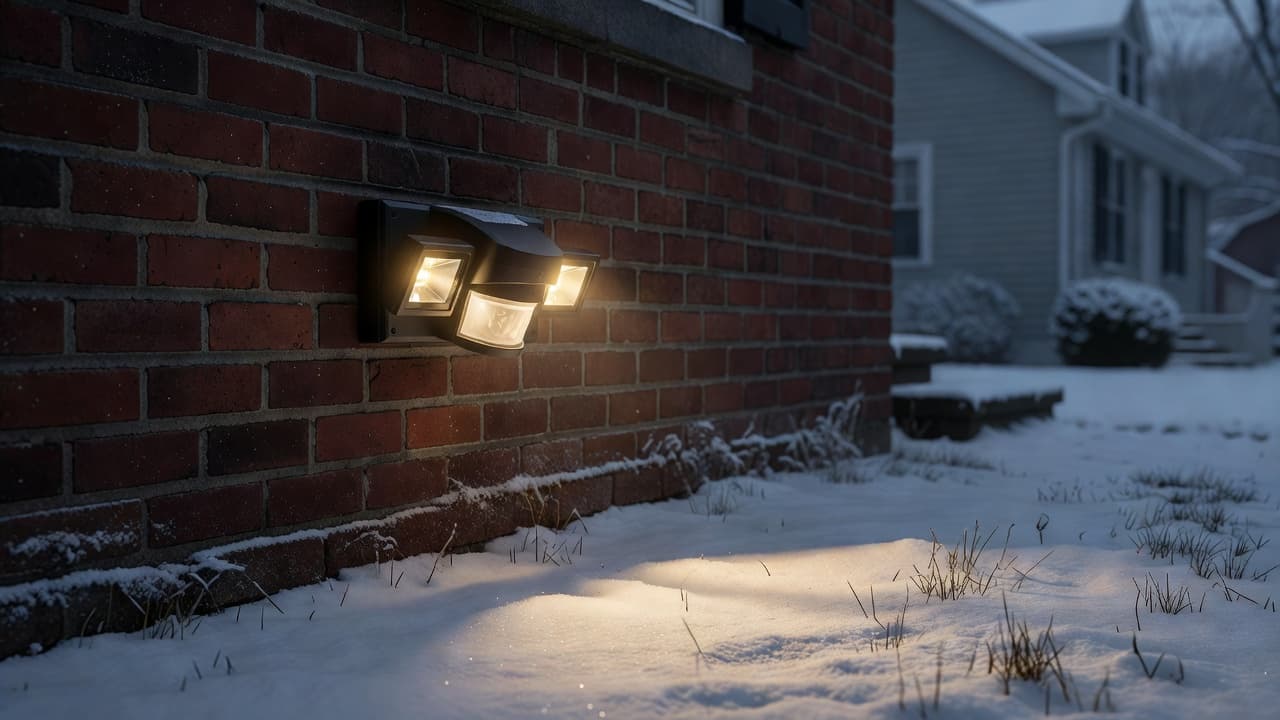
If the light only acts up after rain, snow, or a deep cold snap, moisture intrusion is one of the first things to check.
Outdoor placement matters too. A sensor that faces a busy street, a reflective driveway, or a porch with strong glare may keep restarting the timer. In those cases, better placement can solve the problem faster than another replacement bulb. If your exterior setup needs a cleaner layout, professional landscape lighting installation can help move fixtures and sensors into better positions.
How to Troubleshoot the Problem Step by Step
Start with the easiest checks first. Turn off the fixture at the switch or breaker, let it cool, and inspect it in daylight if you can. If the light is part of a larger outdoor circuit, note whether other fixtures are acting up too. That clue can save a lot of time.
-
Check the mode and timer
Look for an auto, test, or manual setting on the fixture. Many motion lights have a small dial or switch inside the housing. Put it back into auto mode and wait a few minutes before testing it again.
-
Clean the lens and sensor
Wipe away dirt, spider webs, pollen, salt residue, and bug debris. Use a soft cloth and mild cleaner, not anything abrasive. If the lens is cloudy or the fixture is full of moisture, the sensor may need more than a cleaning.
-
Review the sensor angle
The light should face the area you want to cover, not the street, a swaying hedge, or a reflective surface. If it points at a walkway or driveway, reduce the sensitivity or aim it slightly away from the most active zone.
-
Reset the power
Turn the breaker off for a short reset, then restore power and test the fixture again. A reset can clear a control board that has locked into the wrong mode. If the light works for a while and then sticks again, that pattern matters.
-
Check for weather damage
Look for cracks, rust, corrosion, or water inside the fixture. In Boston winters, ice can force its way into weak seals. In summer, humidity can leave the inside of the housing damp without visible drips.
-
Test replaceable parts
If your fixture uses a replaceable bulb or sensor module, swap in a known-good part if the model allows it. A failing LED driver or sensor can act like a wiring problem. If the same issue returns after the swap, the fault may be deeper in the circuit.
When the Problem Is Electrical, Not Just a Setting
Some symptoms point past the fixture and into the wiring. If the breaker trips, the circuit won't reset, or the light flickers after power is restored, the issue may be electrical. That is especially true when more than one outdoor light fails at the same time.
Watch for buzzing, scorch marks, a warm switch plate, or a burning smell near the fixture. Those signs can mean a loose connection, damaged cable, or water intrusion in a junction box. A light that looks fine outside can still have a bad splice hidden in the wall or under an exterior cover.
Corrosion is another red flag. Green or white buildup around terminals often means moisture has been inside the fixture for a while. Once that happens, the sensor may stop responding correctly, and the wiring can weaken too.
Older Greater Boston homes can be tricky here because outdoor wiring often changes over the years. Additions, upgrades, and patchwork repairs can leave a circuit with more than one weak point. A motion light that seems simple on the surface may be part of a larger problem.
If the light only works when you tap the housing, the issue is almost never a setting. If it changes behavior after rain, snow, or a breaker reset, that is another sign the problem may be inside the wiring or the fixture.
A licensed electrician can test the circuit, check the sensor, inspect the junction box, and find the fault without guessing.
Conclusion
When motion sensor lights stay on, the first step is to rule out the easy stuff. Check the mode, clean the sensor, and look closely at weather exposure and fixture placement.
In Greater Boston, snow, humidity, and long winter nights can make a small issue look bigger. If the light still acts up after a reset, or if you see breaker trouble, corrosion, flicker, or heat, the problem is probably electrical.
A good motion light should work in the background until it's needed. When it doesn't, the fixture is telling you something useful.