
Power Outage Appliance Damage: What to Know

Contact Us
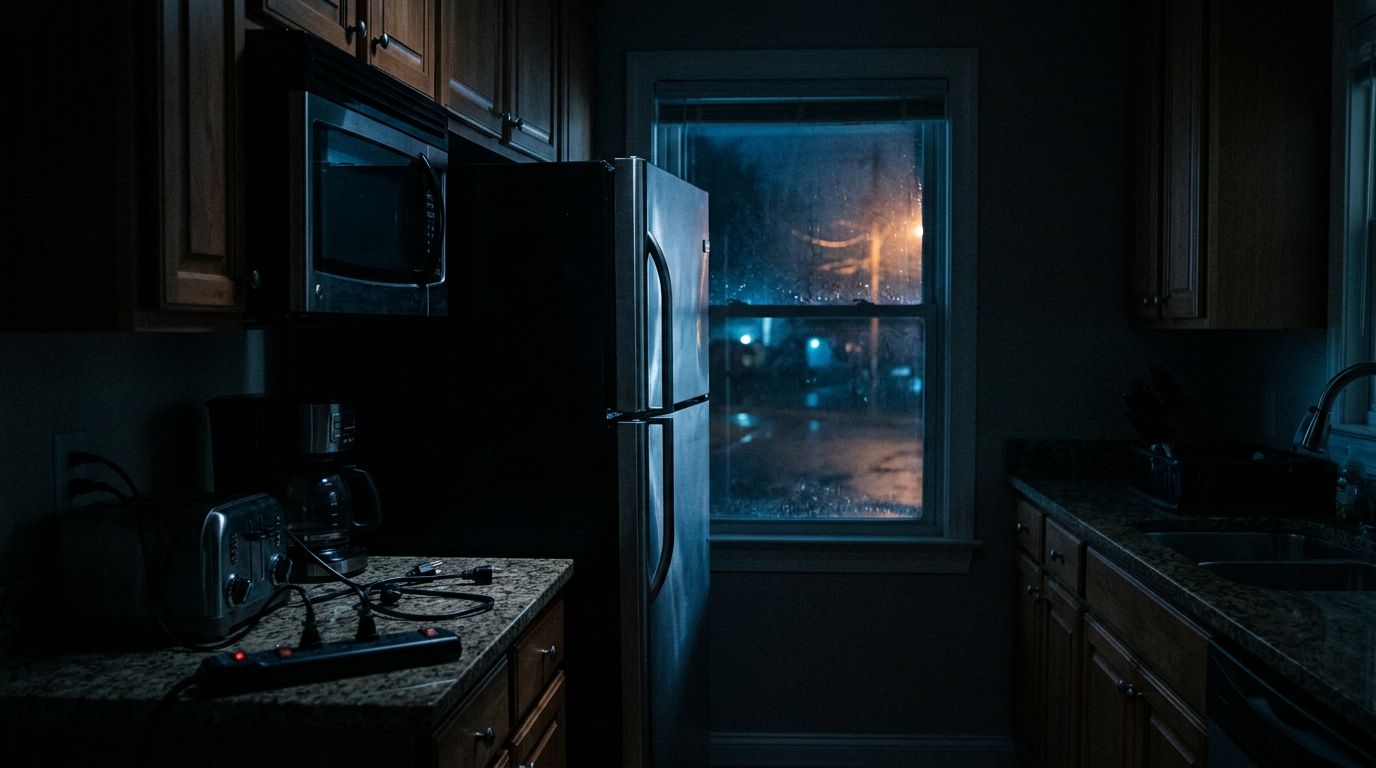
A neighborhood blackout can do more than turn off your lights. Power outage appliance damage is possible, but the outage itself is often only part of the problem. Voltage drops, electrical surges, and repeated power cycling can harm sensitive circuits and shorten the life of motors.
When electricity returns, appliances may restart all at once. That sudden demand can create additional stress, especially when your home has older wiring or lacks surge protection. Knowing what causes the damage and what to do during an outage can help you protect expensive equipment.
How Power Outage Appliance Damage Happens
A standard power outage usually doesn't destroy an appliance by itself. Most equipment simply shuts down when it loses electricity. The greater risk comes from unstable power before the outage, during restoration, or after the system repeatedly switches on and off.
Voltage surges after the power returns
A power surge is a brief rise in voltage above the level household equipment is designed to handle. Surges can occur when utility equipment switches, when a fault clears, or when power returns after an outage.
The spike may last only a fraction of a second. That is long enough to damage electronic components, including circuit boards, power supplies, and control modules. A television might still turn on but develop problems later. A refrigerator may continue running while its electronic controls become unreliable.
Lightning is another source of surge damage, although it doesn't need to strike your home directly. A nearby strike can send a surge through utility lines, telephone wiring, cable lines, or other connected systems.
A power strip and a surge protector aren't the same thing. A basic power strip adds outlets, while a listed surge protector is designed to divert excess voltage.
Brownouts and low voltage
A brownout occurs when voltage falls below its normal level without disappearing completely. Appliances may continue operating, but motors and compressors can draw more current as they struggle to run.
That condition can create heat inside refrigerators, freezers, air conditioners, furnaces, heat pumps, and well pumps. Sensitive electronics may also freeze, reset, or shut down unexpectedly.
Repeated voltage changes create another problem. If power flickers several times, an appliance may attempt to start each time. Compressors and motors need a short period to equalize pressure before restarting, so rapid cycling can place extra strain on them.
Switching surges and restoration problems
Power restoration doesn't always happen evenly across every circuit. Utility crews may energize portions of the system in stages, and appliances that were running before the outage may restart together.
This sudden load can cause nuisance trips or additional voltage fluctuations. The risk of power outage appliance damage increases when many high-demand devices start at once, particularly in homes with limited service capacity or an outdated electrical panel.
Which Appliances Are Most at Risk?
The most vulnerable equipment usually contains electronic controls, motors, compressors, or data that can be lost when power stops suddenly.
Computers, televisions, game consoles, routers, modems, alarm systems, and smart-home hubs contain small power supplies and circuit boards. A surge can damage those components even when the appliance appears normal at first. Computers and network equipment also face data loss if they shut down while writing files.
Refrigerators and freezers deserve special attention because they combine electronic controls with compressors. Food spoilage is the immediate concern during a long outage, but unstable power can also affect the compressor or control board. Wait before plugging these appliances back in if the power is flickering.
Heating and cooling equipment can also suffer. A central air conditioner, heat pump, furnace control board, or ductless mini-split may stop working after a surge. The repair can cost more than replacing a small consumer device because HVAC systems often use specialized parts and professional diagnostics.
Laundry appliances, dishwashers, ranges, and tankless water heaters have electronic control boards as well. Their large heating elements don't usually suffer from a brief outage alone, but the controls can be affected by surges or unstable voltage.
Businesses face similar risks with point-of-sale terminals, commercial refrigerators, security equipment, servers, and networking hardware. A damaged router or payment terminal can interrupt operations even when the building's lights return normally.
| Appliance or system | Main concern during an outage |
|---|---|
| Computer or router | Data loss, failed power supply, or damaged network hardware |
| Refrigerator or freezer | Compressor stress, control-board damage, and food spoilage |
| HVAC equipment | Compressor strain or failed electronic controls |
| Washer or dishwasher | Control-board or motor damage |
| Alarm or access system | Loss of monitoring, backup battery drain, or damaged equipment |
The equipment with the highest repair cost isn't always the largest appliance. A small control board can be more sensitive, and sometimes more expensive to replace, than a simple motor or heating element.
What to Do During and After a Power Outage
Your first priority is safety. If you smell burning plastic, hear buzzing, see sparks, or notice heat around an outlet or electrical panel, stay clear and contact a licensed electrician or the utility company. Never handle electrical equipment that has been exposed to water.
For a normal outage, follow these steps:
- Unplug sensitive electronics. Disconnect computers, televisions, gaming systems, network equipment, and other devices with electronic controls. This limits their exposure when power returns.
- Turn off major appliances. Switch off air conditioners, electric ranges, clothes dryers, washing machines, and other high-demand equipment. Leave one light on so you know when service returns.
- Keep refrigerator and freezer doors closed. Opening them repeatedly lets cold air escape. Move food only when necessary, and follow current food-safety guidance before eating items that warmed during the outage.
- Wait for stable power. If lights flicker or appliances start and stop, leave sensitive equipment disconnected. A steady light is a better sign than a brief return of electricity.
- Reconnect devices gradually. Start with essential equipment, then add larger appliances one at a time. This reduces the chance that every motor and compressor will start together.
- Check for signs of damage. Look for tripped breakers, unusual smells, humming, smoke, error codes, or appliances that fail to start. Don't keep resetting a breaker that trips repeatedly.
After a major storm, inspect outdoor receptacles, generator connections, service equipment, and wiring for water or physical damage. A breaker that trips once may have protected a circuit. Repeated trips require professional diagnosis.
If your electrical panel is old, crowded, or unable to support modern loads, an electrical panel upgrade service may improve safety and give an electrician a better way to add whole-house protection.
How to Prevent Power Outage Appliance Damage
Protection works best when it covers both sensitive devices and the home's electrical system.
A plug-in surge protector can help protect equipment connected to it, such as a desktop computer or television. Choose a listed product with a protection indicator, and replace it after a significant surge or when its indicator shows that protection has ended. A surge protector cannot keep an appliance running during an outage, and it won't correct a brownout.
A UPS, or uninterruptible power supply, is useful for computers, internet equipment, alarm panels, and other low-power electronics. It provides temporary battery power and gives you time to save files or shut equipment down properly. A UPS is sized by its watt capacity and runtime, so a small unit may not support a laser printer, refrigerator, or other large load.
A whole-house surge protective device connects at the electrical panel. It can help divert surges entering through the home's electrical service. Installation requires proper panel access, grounding, and coordination with the existing system. An electrician can select equipment that matches the service and install it according to the manufacturer's instructions.
A standby generator addresses a different part of the problem. It supplies backup power during an extended outage, but it must connect through approved transfer equipment. This prevents generator power from feeding back into utility lines, which can seriously injure workers and damage the electrical system.
Portable generators require careful placement and connection. Never operate one inside a home, garage, basement, or enclosed porch because of carbon monoxide. Never connect it to a wall outlet with a homemade cord. A properly installed transfer switch or interlock system is required for safe connection to household circuits.
For automatic backup power, professional generator installation can match the generator, transfer equipment, fuel supply, and electrical service to the property's needs. The system also needs regular testing and maintenance, not only attention when a storm is approaching.
Other preventive steps include keeping appliance cords and outdoor connections dry, replacing damaged receptacles, and having an electrician inspect frequent breaker trips. If outages or flickers affect only your property, the issue may involve your service, panel, or branch wiring rather than the utility line.
When an Appliance Needs Professional Inspection
Some damage is obvious. A television may remain dark, a refrigerator may stop cooling, or an HVAC system may show a control-board error. Other problems appear days later as intermittent resets, unusual motor noise, overheating, or unexplained breaker trips.
Disconnect a damaged appliance if it smells hot, sparks, shocks you, or trips the circuit. Don't open the appliance or bypass a fuse to make it run. Internal capacitors and other components can retain dangerous energy after power is removed.
Write down when the outage occurred and what happened when service returned. Take photos of visible damage, save repair estimates, and record model and serial numbers. Those details can help with warranty or insurance questions, although coverage depends on the policy and the cause of loss.
A licensed electrician can test the circuit, inspect the panel, check grounding and bonding, and identify whether the appliance or the home's wiring caused the problem. Businesses should also verify backup power for refrigeration, security, networking, and payment equipment before the next outage.
Conclusion
Power outage appliance damage usually comes from unstable voltage, restoration surges, brownouts, or rapid cycling rather than a simple loss of electricity. Sensitive electronics, compressors, motors, and control boards need the most attention.
Unplug equipment during an outage, reconnect appliances slowly, and investigate warning signs instead of repeatedly resetting breakers. Plug-in protection, a UPS, whole-house surge protection, and a properly installed generator can reduce different types of risk. When the lights go out, a few careful steps can help prevent a short interruption from becoming an expensive repair.