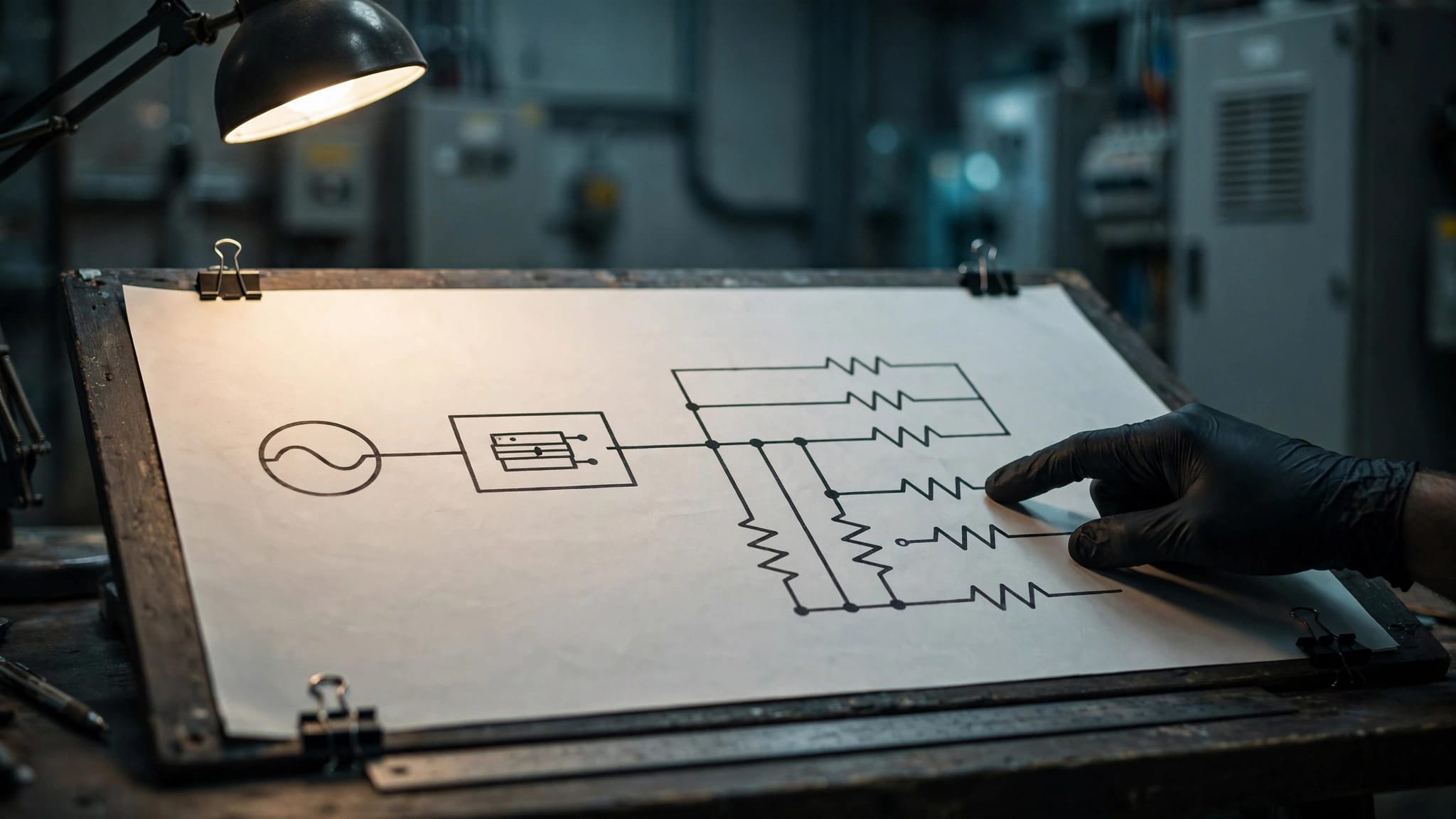

Retail POS Power: Plan a Reliable Checkout

Contact Us
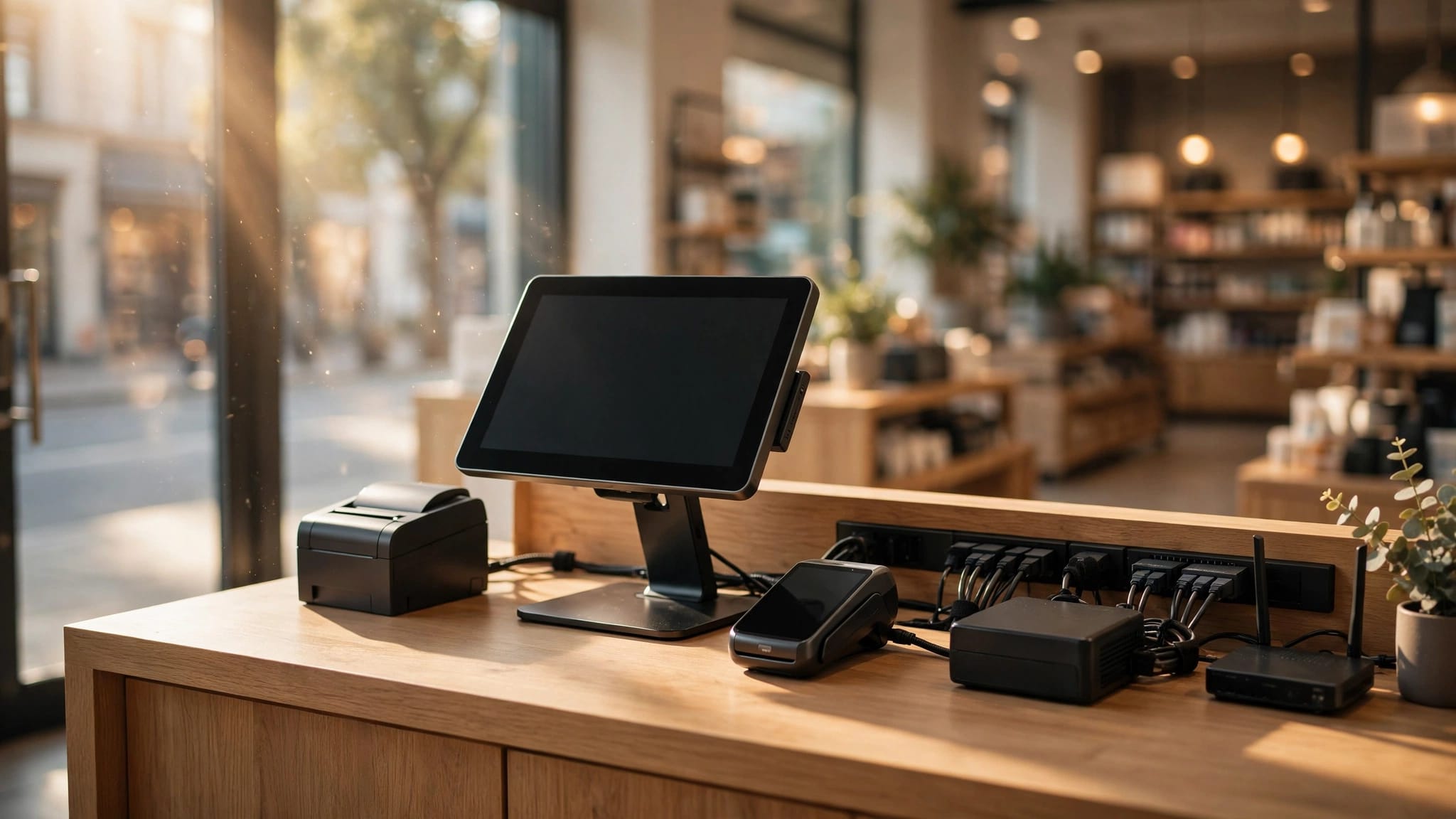
Plan retail POS power by listing every connected device, collecting its electrical specifications, and mapping power and data connections before counters are installed. Then have a qualified electrician turn that information into a safe circuit design.
A checkout depends on more than its screen. Printers, payment readers, network equipment, and charging docks all affect reliability.
Start with actual equipment data , then coordinate the layout, backup power, and installation around how your store operates.
Key Takeaways
- Include checkout devices and the network equipment they depend on in your power inventory.
- Separate AC input requirements from adapter output ratings when estimating equipment loads.
- Coordinate outlets, data connections, and service access before counters are built.
- Have a qualified electrician verify circuit requirements and applicable local codes.
- Plan surge protection and battery backup separately because they address different problems.
Inventory Every Device at the Checkout
Count equipment by checkout position, then add shared devices elsewhere in the store. Record model numbers, quantities, power supplies, and connection types.
Terminals, Printers, and Payment Devices
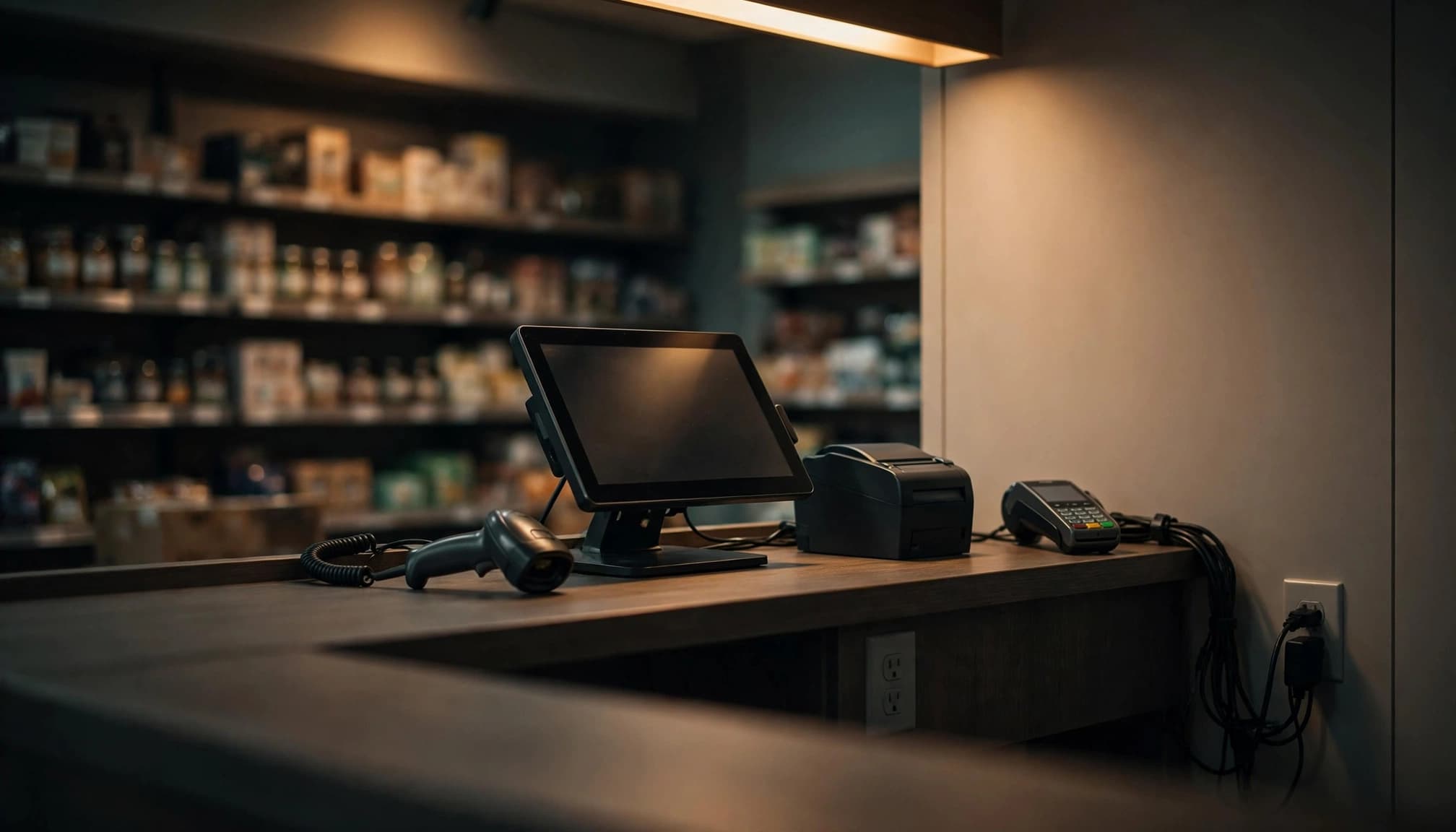
Include the POS computer or tablet, its dock, customer-facing display, receipt printer, and payment reader. Also record whether each device has its own adapter or receives power through another device.
For example, some cash drawers connect to a receipt printer rather than a wall outlet. Their operation still affects the printer's power requirements.
Payment-device configurations also matter. Verifone's P400 installation documentation describes reduced capabilities under USB power. The selected connection can affect Ethernet availability and other functions, so record the intended configuration alongside the model.
Networking and Peripherals
Add barcode scanners, scales, label printers, handheld-device chargers, and any powered USB hubs. A USB-powered peripheral still draws energy through its host or hub.
Then follow the checkout's network connection. Include the modem or optical network terminal, router, switches, and wireless access points needed for transactions.
For Power over Ethernet equipment, document the switch's power budget and connected devices. Avoid counting the same load twice when the switch's stated consumption already includes its powered devices.
If a model hasn't been selected, identify a design allowance. Replace that allowance with supplier data once the selection is final.
Estimate Retail POS Power Without Mixing Ratings
Equipment labels can describe different things. A power adapter's output rating, a device's typical consumption, and its maximum AC input aren't interchangeable.
Separate AC Input From Adapter Output
Oracle's Compact Workstation 3 installation guide lists an adapter output of 15 volts DC at 5.33 amps, approximately 80 watts. That figure describes the adapter's DC output capacity, not the workstation's continuous AC consumption.
Similarly, Epson specifies the OmniLink TM-T88VII receipt printer at 24 volts DC. Its technical reference guide lists roughly 0.1 amp in standby and 1.8 amps during a defined printing test. Those are DC-side figures under stated conditions.
Use the manufacturer's AC input information for the intended equipment configuration. Measurements can help characterize operation, but a quiet-period reading won't capture every demand.
Distinguish Watts, VA, and Operating Peaks
Watts describe real power. Volt-amperes, or VA, describe apparent power. For a single-phase input, volts multiplied by amps gives VA; converting that figure to watts requires power-factor information.
This distinction also matters when selecting a UPS, which has both watt and VA limits.
Document simultaneous operation, including receipt printing, drawer activation, and device charging during busy periods. Don't base the plan entirely on idle consumption.
Keep typical consumption, maximum input ratings, and backup-power loads in separate columns. Each answers a different planning question.
Match Outlets and Data Connections to the Counter
A correct load estimate won't help if the only receptacle sits behind a fixed cabinet. Use the final counter and furniture plan to locate connections.
Make Connections Accessible
Show receptacles, adapter storage, cable openings, and data jacks at each checkout. Account for bulky adapters, which can obstruct adjacent outlets.
Leave access for replacing a printer, restarting network equipment, and removing a failed power supply. Ventilated spaces also help prevent equipment and UPS units from overheating.
For island counters, plan the approved power pathway before flooring is finished. A floor box or another wiring method must suit the building and installation. Extension cords across customer routes aren't a substitute for permanent wiring.
Coordinate the Surrounding Equipment
Refrigeration, coffee equipment, and other motor or heating loads can affect circuit planning near checkout areas. Have the electrician evaluate shared circuits and whether separation is appropriate.
Also coordinate receptacles near sinks, cleaning stations, and damp areas. These conditions can change protection and equipment requirements.
Data cabling needs planned pathways too. The electrician and low-voltage installer should coordinate routing, required separation, penetrations, and access before walls close.
Separate Load Planning From Electrical Design
Your equipment schedule describes what needs power. Electrical design determines how the building can supply it safely.
A qualified electrician must evaluate the existing service, feeders, panels, grounding, circuit loading, and installation conditions. Empty breaker spaces don't establish available capacity. Existing lighting, HVAC, refrigeration, and other loads remain part of the building-wide calculation.
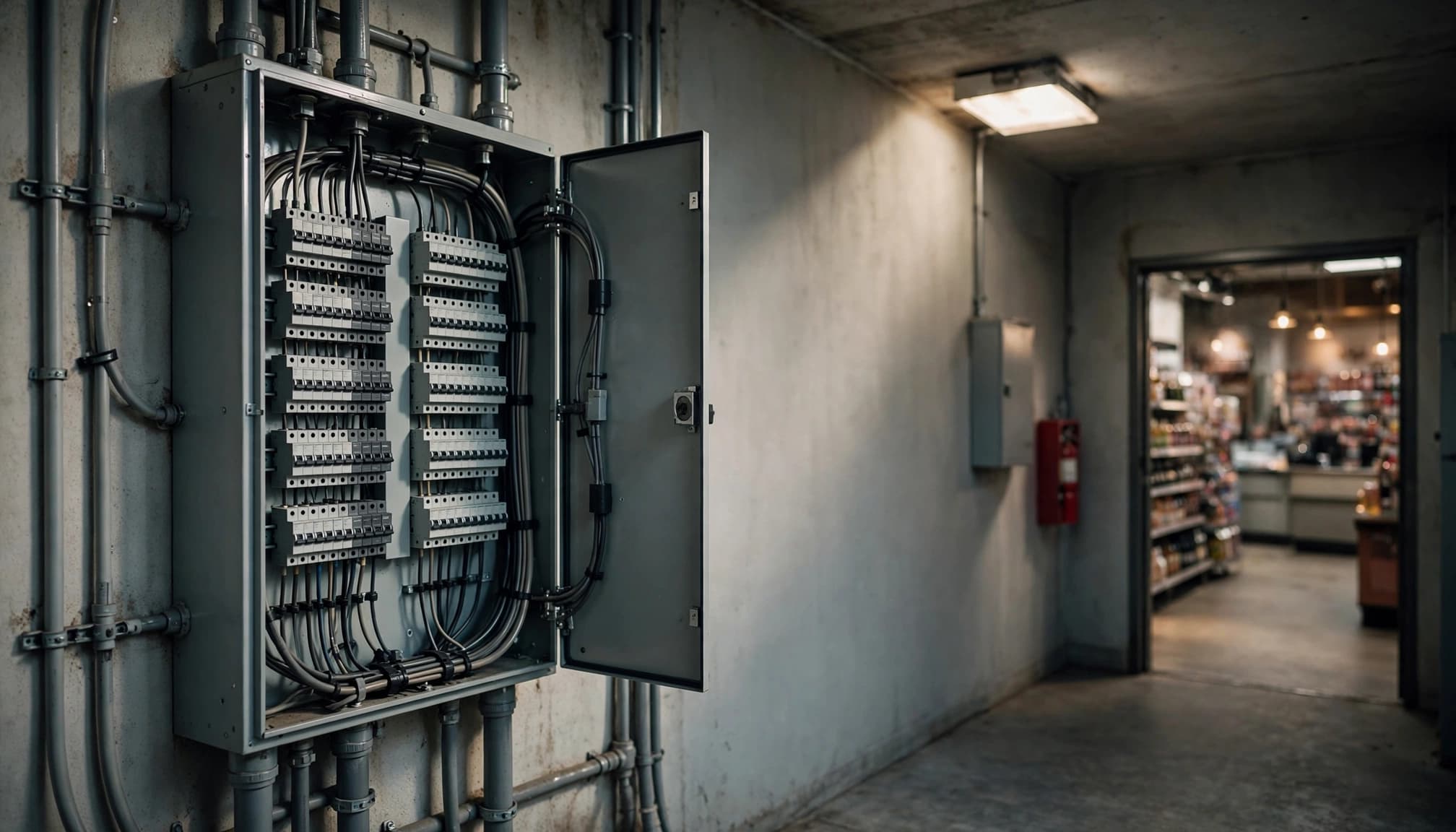
Have the electrician verify circuit requirements and applicable local codes, including receptacle protection, wiring methods, and permit requirements. Counter placement alone doesn't determine the final design.
In Massachusetts, the current electrical code is 527 CMR 12.00, based on the 2026 National Electrical Code with state amendments. It took effect April 24, 2026. Permit timing and project conditions affect the applicable requirements.
Our guidance on Massachusetts retail electrical buildout requirements covers the broader coordination of panels, equipment, and other store systems.
Schedule required inspections around construction milestones. Our electrical rough inspection guide explains the stage before wiring is concealed.
For leased spaces, incorporate landlord requirements for shutdown notices, metering, and access to shared electrical rooms.
Plan Surge Protection and Battery Backup Together
Surges and outages create different risks. A surge protective device limits certain transient overvoltages; it doesn't keep checkout equipment running during a power failure.
Choose Protection for the Installation
Use listed surge protective equipment appropriate for the devices and installation. An electrician can evaluate panel-level protection, grounding and bonding, and suitable protection near sensitive equipment.
Don't connect power strips in series or use them to compensate for an inadequate receptacle layout. Protection devices also need accessible locations so staff can see status indicators.
A power strip with extra outlets isn't automatically a surge protector. Likewise, surge protection alone doesn't correct sustained low voltage.
Size the UPS Around Essential Checkout Functions
Choose which equipment must continue operating during a short interruption. That may include one POS station, a payment reader, and the network equipment supporting them.
Include receipt printing if the operating plan depends on paper receipts. Otherwise, leaving a printer outside the battery-backed load may preserve runtime for essential devices.
Compare the selected UPS's watt limit, VA limit, and runtime at the actual load . A VA rating alone doesn't tell you how long checkout will operate.
Keep the modem, router, and required switches on the backup plan too. Battery power can't preserve a transaction path when an essential network device shuts down. It also can't restore an internet connection lost outside the store.
Test the Checkout and Document Changes
Before opening, test the installed system under realistic operating conditions. Run the terminal, payment device, printer, scanner, and charging equipment together.
Coordinate an approved UPS test with the POS and IT teams. Use the UPS manufacturer's test procedure rather than switching off building circuits without a plan.
Record the final device list, circuit identification, outlet locations, network connections, and UPS loads. Keep adapters identifiable so replacements match the intended equipment.
Pay attention to recurring printer resets, payment-reader restarts, warm or damaged connections, and breaker trips. Arrange professional evaluation instead of repeatedly resetting a breaker.
Include checkout infrastructure in a commercial electrical maintenance checklist. Equipment changes deserve review as well: adding another register, refrigerated display, or charging station can change assumptions behind the original installation.
Finally, keep panels and service access clear after merchandise, storage bins, and seasonal displays arrive.
Frequently Asked Questions
Does Every POS Device Need Its Own Outlet?
No. Some scanners, payment readers, and cash drawers receive power through another device. However, tablets, docks, printers, and powered hubs may require separate supplies. Build the receptacle count around the selected equipment and adapter arrangement.
Can a UPS Keep Card Payments Working During an Outage?
It can support the equipment connected to it for its available runtime. Successful payments also depend on network connectivity and the payment system. Offline transaction features vary, so include the POS system's supported outage procedures in staff training.
Should a New Register Trigger an Electrical Review?
Yes, when it changes the planned equipment load, outlet arrangement, or backup requirements. The review should include added peripherals and network equipment. A register that fits physically may still require changes to the existing electrical plan.
Build Reliability Into the Checkout Plan
Reliable retail POS power starts with accurate equipment information and a layout that supports safe, accessible connections. A qualified electrician then translates that plan into circuits suited to the building and applicable codes.
We provide commercial electrical services for Greater Boston businesses. Bring the equipment schedule and checkout floor plan into the conversation early, while changes are easier to make.