
Commercial Security Camera Wiring Options for Business Properties

Contact Us
Commercial security camera wiring affects more than image quality. It determines where cameras can go, how reliably footage reaches the recorder, what power infrastructure you need, and how easily the system can expand. For most new installations, PoE Ethernet is a strong starting point, but coaxial, fiber optic, and hybrid layouts may fit an existing building better.
Wireless cameras can reduce some data cable runs, but they still need power and dependable network coverage. A sound design begins by separating three different needs: video transmission, power delivery, and network connectivity.
The Three Connections Every Camera System Needs
A camera may be mounted in one location, powered through one method, and connected to the recorder through another. Treating these functions as the same thing can lead to coverage gaps, overloaded switches, or difficult service work later.
Video transmission carries the footage
Video transmission is the path that moves images from the camera to a recorder, server, monitor, or cloud platform. IP cameras send video as network data through Ethernet, fiber, or a wireless connection. Traditional analog cameras send video through coaxial cable to a DVR.
The transmission method affects distance, bandwidth, image resolution, and equipment selection. A high-resolution camera with audio, analytics, or motorized movement may need more bandwidth than a basic fixed camera.
Power delivery keeps the camera operating
Every camera needs a stable power source. PoE cameras receive power through the same Ethernet cable that carries video data. Other cameras may need a separate low-voltage power cable, a local power supply, or a nearby electrical connection.
Power planning includes more than the camera itself. Heaters, infrared illuminators, microphones, pan-tilt-zoom motors, and other accessories can increase the load. A PoE switch must have enough total wattage, not only enough ports.
Network connectivity controls access and performance
Network connectivity determines how cameras communicate with recorders, workstations, mobile apps, and remote monitoring services. It includes switches, uplinks, IP addressing, VLANs, firewall rules, and internet service when off-site access is required.
A camera can turn on and produce video without having proper network access. Separating these requirements during design makes troubleshooting much easier.
Commercial Security Camera Wiring Options Compared
The most common commercial layouts use PoE Ethernet or coaxial cable. The right choice depends on whether the property needs a new IP system, a replacement for existing equipment, or a staged upgrade.
PoE Ethernet for new IP camera systems
PoE uses twisted-pair Ethernet cable, usually Cat5e or Cat6, to carry both network data and electrical power. A PoE network switch powers cameras directly, while an injector can power an individual camera or a small group.
This option works well for offices, retail stores, restaurants, warehouses, and other properties that need network-based video. It supports high-resolution IP cameras, centralized management, remote viewing, and many modern camera features.
Standard Ethernet copper runs typically support up to 100 meters, or about 328 feet, for the full channel. Longer routes may need a local switch, a PoE extender, or a fiber backbone. Cable pathways should be planned before ceilings close, especially when cameras sit above high ceilings or in difficult-to-access areas.
Power budgets also matter. 802.3af, 802.3at, and 802.3bt PoE classes provide different power levels. A basic camera may fit within a lower power class, while a PTZ camera or a model with built-in lighting may require more capacity.
Coaxial cable for existing surveillance infrastructure
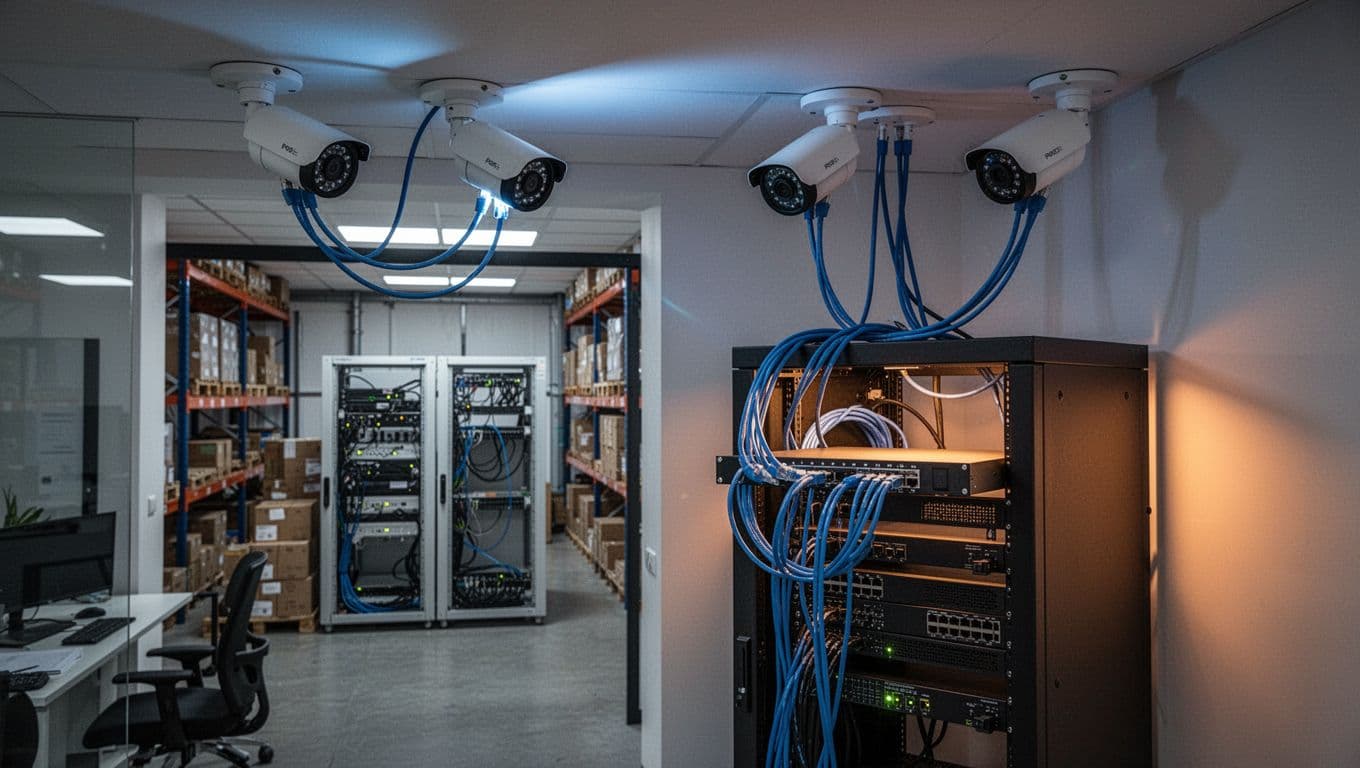
Coaxial wiring remains useful when a property already has good-quality cable runs and a compatible DVR. Analog HD cameras can provide useful resolution over coax, and a separate power conductor can be bundled with the video cable in Siamese cable.
This approach can reduce demolition during a replacement project. The installer can often reuse existing pathways and camera locations, although each cable should be tested before relying on it.
Coax does not provide the same network flexibility as a fully IP-based system. Remote access, analytics, audio, and future upgrades depend on the DVR and camera platform. Separate power distribution also requires careful planning at the headend and camera locations.
Fiber Optic and Hybrid Camera Layouts
Some commercial properties have long distances, multiple buildings, heavy electrical equipment, or existing systems that need a gradual upgrade. Fiber and hybrid designs can solve problems that standard copper wiring cannot.
Fiber optic cable handles long backbone routes
Fiber carries video network traffic over long distances without the same copper distance limits. It also resists electromagnetic interference, which can help in manufacturing areas, utility spaces, parking structures, and large warehouses.
Fiber does not normally carry power to a camera. Each camera still needs local power, or a nearby switch must provide PoE at the far end. The system may use media converters, SFP modules, or fiber-connected PoE switches.
Single-mode and multimode fiber serve different distance and equipment needs. The installer should select the fiber type, connectors, enclosures, and active equipment as one complete system.
Hybrid systems support staged upgrades
A hybrid layout combines technologies within one property. For example, an existing coax network may continue serving older cameras while new IP cameras connect through Ethernet. Encoders can also bring some legacy video into a networked recording system, depending on the equipment.
Hybrid designs can spread project costs over multiple phases. They also create more equipment types to document and maintain. The headend should clearly identify which cameras use coax, Ethernet, or fiber, along with their power sources and recording paths.
Compare the Main Wiring Options
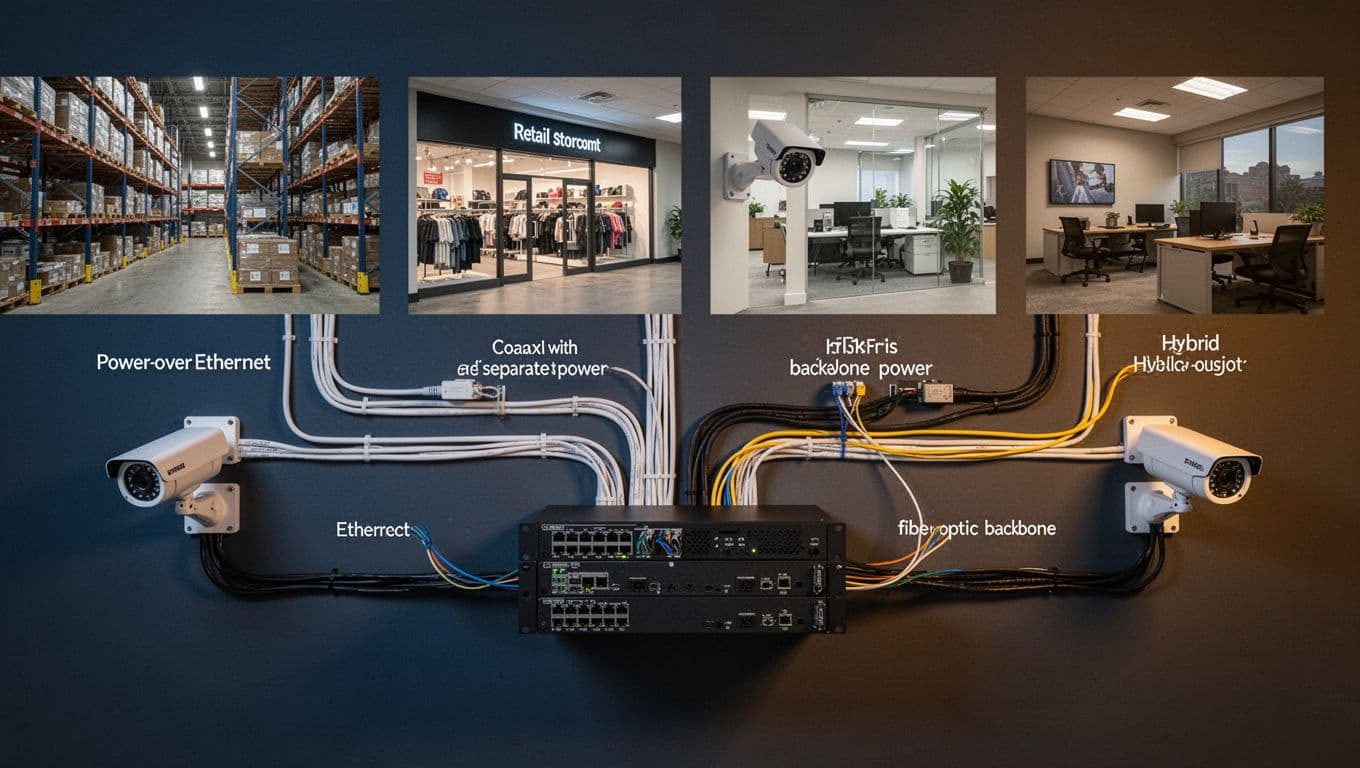
This table provides a quick planning reference for common commercial security camera wiring methods.
| Wiring option | Video transmission | Camera power | Best fit | Main planning concern |
|---|---|---|---|---|
| PoE Ethernet | Network data over Cat5e or Cat6 | Same Ethernet cable | New IP installations | 100-meter copper limit and switch power budget |
| Coaxial or Siamese cable | Analog or HD-over-coax video | Separate conductor or local supply | Existing DVR and coax infrastructure | Cable condition and limited network flexibility |
| Fiber optic | Network data over fiber | Separate local power or far-end PoE switch | Long routes and multiple buildings | Fiber equipment and power at camera locations |
| Hybrid | Mixed IP and legacy video paths | Depends on each camera type | Phased upgrades | Clear documentation and multiple platforms |
| Wireless network link | Wireless data connection | Local AC, low-voltage power, or PoE | Hard-to-cable areas | Coverage, interference, bandwidth, and power |
PoE usually offers the cleanest design for new construction or major renovations. Existing coax may be the practical choice for a focused upgrade, while fiber belongs on long or interference-prone backbone routes.
A Practical Recommendation Framework
A short decision process can narrow the options before equipment is selected.
- Start with the building and camera locations. Map interior spaces, exterior walls, loading areas, parking zones, stairwells, entrances, and areas where cameras need special protection. Note ceiling access, wall construction, pathway length, and exposure to weather or impact.
- Choose the camera platform. If the property needs network video, remote access, centralized software, or future analytics, plan around IP cameras. If a functioning DVR and coax system already exist, test whether reuse provides enough value.
- Calculate power and bandwidth together. Count every camera, add the power draw for accessories, and confirm switch capacity. Then estimate video bandwidth, recorder capacity, uplink speed, and retention needs. A camera system can have adequate power but still overload a network link.
- Plan for expansion and service. Leave spare switch ports, rack space, conduit capacity, and electrical capacity where practical. Document cable routes, terminations, camera addresses, and power sources so future technicians can work without guessing.
For retail projects, low-voltage coordination for retail spaces should happen alongside lighting, access control, fire alarm, Wi-Fi, and ceiling planning. Camera cables often compete for the same pathways and above-ceiling access.
Wireless cameras need the same review. A Wi-Fi camera usually needs an AC adapter or PoE connection for power, and its wireless link still depends on access point placement, signal strength, network capacity, and cybersecurity controls. Wireless bridges also need power at both endpoints. Use wireless selectively where cable installation is impractical, rather than treating it as a complete replacement for infrastructure planning.
Plan Installation and Compliance Details
Good commercial security camera wiring starts before the first cable is pulled. A drawing should show camera locations, pathways, equipment racks, power sources, network connections, recording equipment, and areas that need weatherproofing or physical protection.
Coordinate pathways, power, and building work
Low-voltage cables should have suitable pathways and separation from line-voltage wiring. The project may require conduit, cable tray, sleeves, firestopping, plenum-rated or riser-rated cable, and protection where cables pass through exposed or occupied areas.
Camera power supplies and network equipment also need a suitable location. A locked, ventilated rack or equipment room can improve security and service access. UPS capacity may help keep recording and network equipment operating during a short power interruption, but the backup design must match the property owner's requirements.
Commercial projects often involve several trades. Coordinate camera routes with HVAC ducts, sprinklers, lighting, ceiling grids, doors, partitions, and fire alarm devices. For a broader project, commercial data and security wiring should be included in the electrical and technology plans early.
Test, document, and protect the finished system
Every cable should be tested for continuity, performance, labeling, and correct termination. Ethernet installations should receive the appropriate certification for their category and intended use. Fiber should be inspected and tested with suitable equipment. Coax runs should be checked for damage, signal loss, and power faults.
The final documentation should identify camera names, cable IDs, switch ports, IP addresses, recorder channels, power supplies, and pathway locations. Keep updated drawings with the property's maintenance records.
Privacy also needs attention. Camera placement should match a legitimate security purpose and avoid unnecessary views into private areas. Access to recordings should be limited to authorized users, with retention and monitoring practices that fit the business.
Electrical, fire, building, privacy, and low-voltage requirements vary by property and jurisdiction. Verify them with qualified professionals before installation. Licensed electricians and qualified security or network technicians can coordinate the work, permits, inspections, grounding, firestopping, and final testing.
Conclusion
The best wiring choice depends on the building, camera platform, distance, power needs, existing infrastructure, and plans for growth. PoE Ethernet is often a strong fit for new IP systems, coax can extend the value of an existing DVR installation, and fiber can connect long or electrically noisy routes.
Wireless can help in selected locations, but it still requires reliable power and network planning. A clear design separates video transmission, power delivery, and network connectivity before installation begins. That approach produces a system that works today and remains serviceable when the property changes.